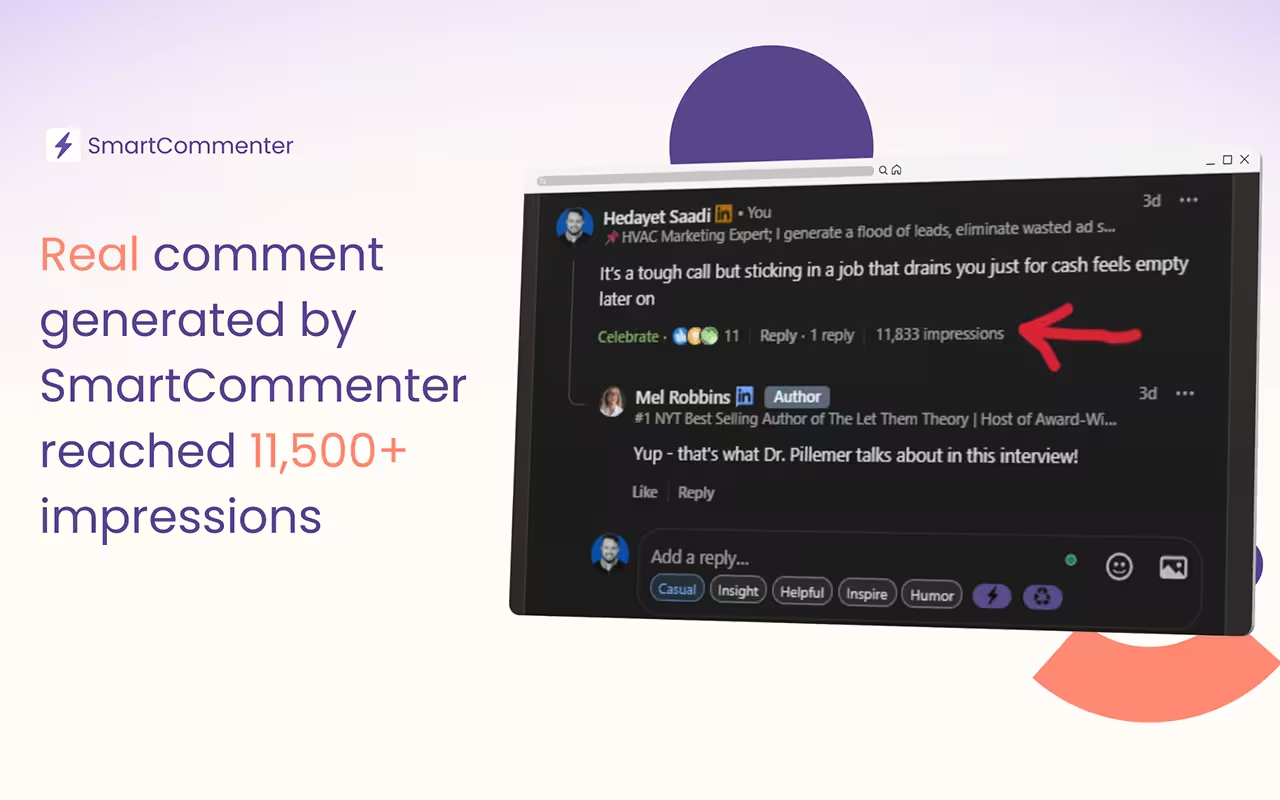
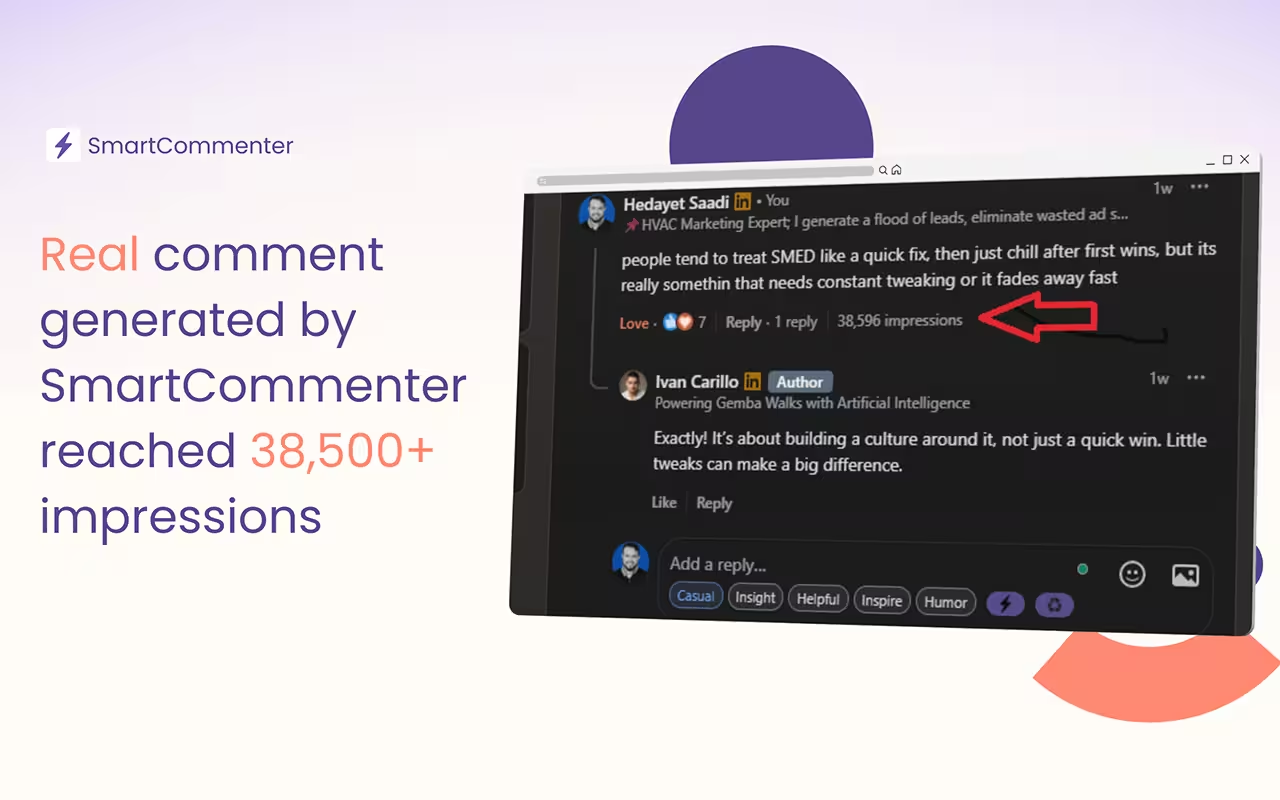
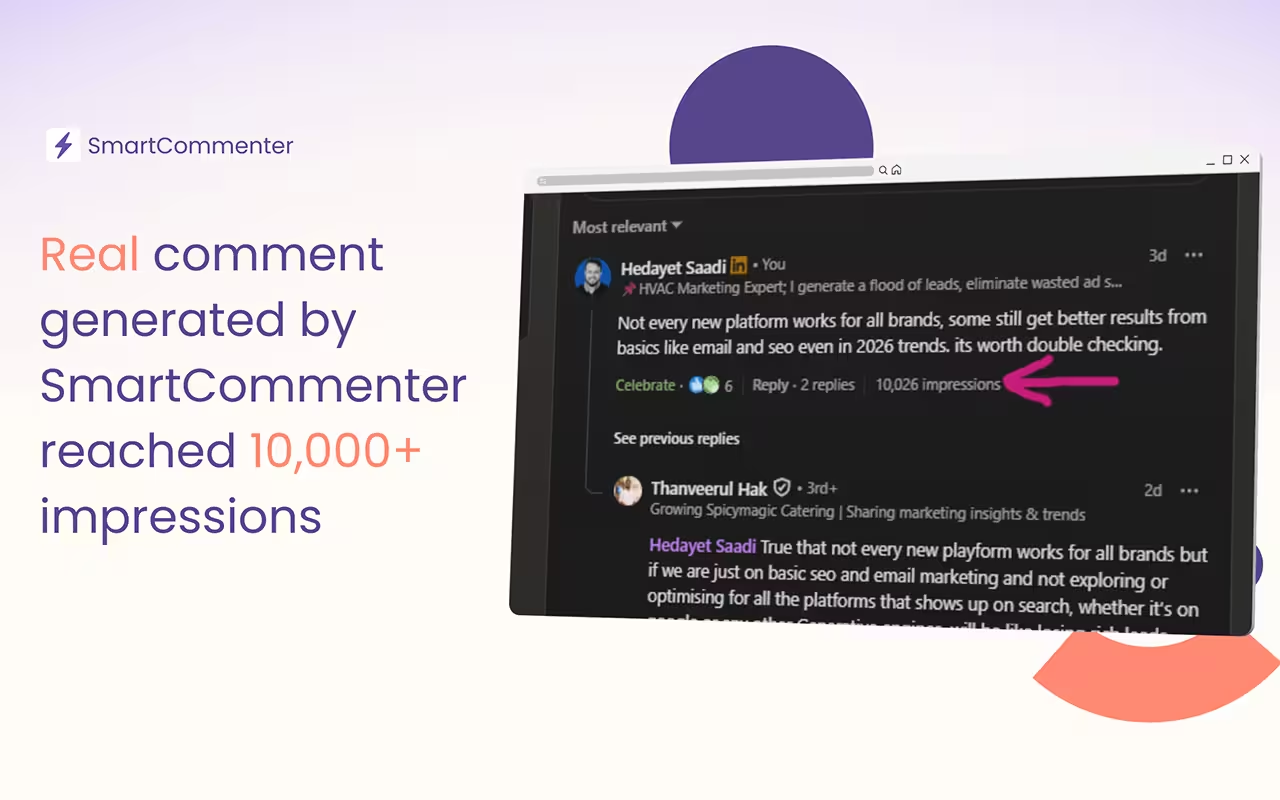
No extra tabs or copy paste. SmartCommenter appears right inside the LinkedIn comment box. You write comments where you already are, without breaking focus.
Comments are kept short and easy to read. Simple words. Clear sentences. No overthinking. The goal is to sound natural, not polished or scripted.
No buzzwords. No forced excitement. Comments feel like something a real person would write. Quiet, relevant replies that fit the conversation.
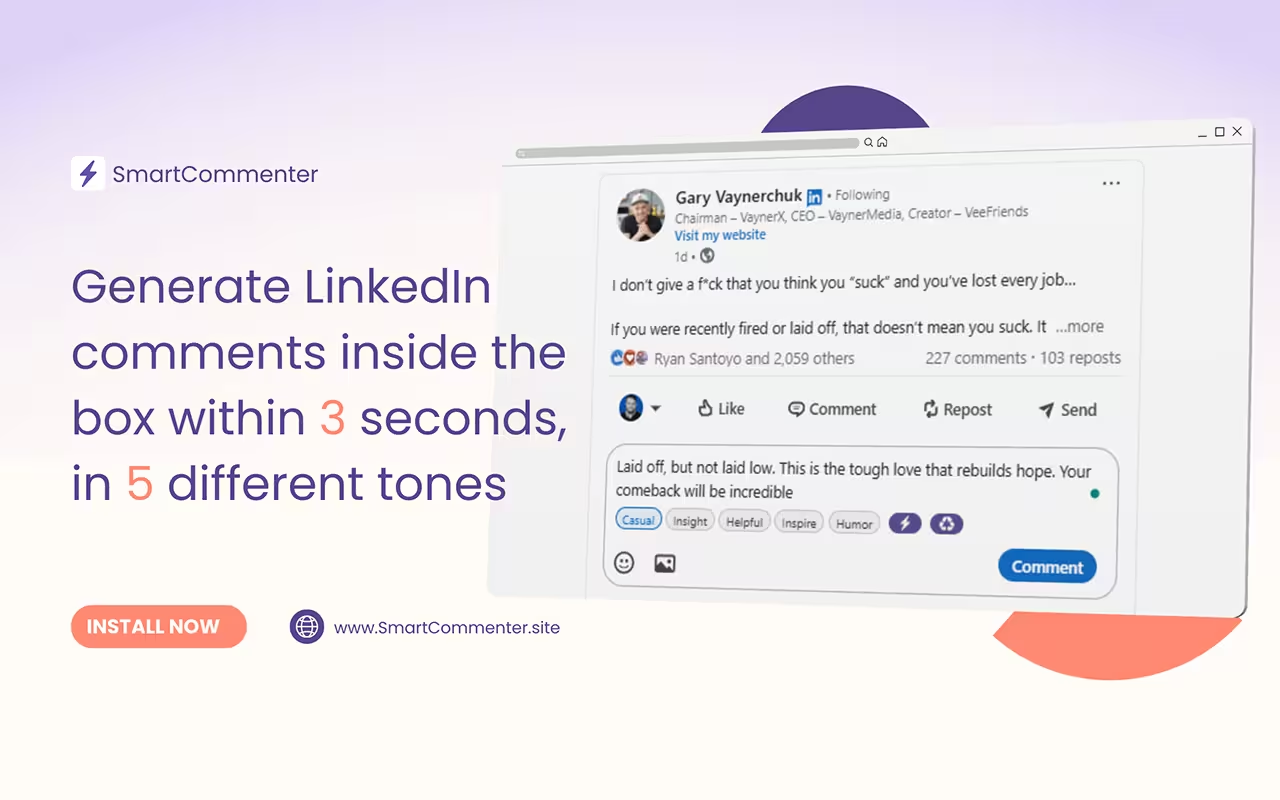
Auto-generate comments the moment you click inside a comment box. Respond in seconds.
Choose casual, insightful, helpful, inspiring, or humorous. The extension adapts the writing style instantly.
SmartCommenter understands parent comments and creates thoughtful, short replies.
Comments include small typos or quirky misspellings so they feel personal, not AI polished.
Rewrite your own draft into a different tone with a single click.
Runs in the browser, no dashboard, no login. Just install and start writing.


SmartCommenter helps you write quick, simple LinkedIn comments. It adds a tone bar under the comment box and gives you a short, natural comment with one click. You can also rewrite your own text or reply to someone with context.
The free plan gives you 10 comment generations per day. Your limit resets every 24 hours.
Pro gives you 150 generations per day.
Business gives you 500 generations per day.
All features are included in every plan.
Watch this step by step guide.
Or go through the following steps.
An upgrade button in your comment box will be shown when you hit the daily limit of comment generations. Click on that upgrade button to purchase pro or business plans. Or navigate Chrome>Extensions>SmartCommenter. There you will see a message to upgrade your plan as you exceeded the daily limit. Click on the "Pro" or "Business" button to upgrade your plan. Then you will be taken to the pricing table. Click on the plan you want to buy and make the payment accordingly.
Right-click the extension icon → “Options”.
Paste your license key there and it activates instantly.
Yes.
You can cancel your plan at any time through from manage subscription page. Make sure you open this page from your extension options page on your browser.
Yes.
It uses minimal permissions and does not access private data.
All traffic goes through secure HTTPS.
Try these steps and check after each one:
1. Open LinkedIn in a new tab
2. Disable other LinkedIn-related extensions
3. Restart the browser
4. Reinstall SmartCommenter
If nothing works, contact support.