Support & Downloads
Get the LinkedIn comment generator extension Smart Commenter today and enjoy it for free. It’s already available on chrome Web Store to install.

Get the LinkedIn comment generator extension Smart Commenter today and enjoy it for free. It’s already available on chrome Web Store to install.



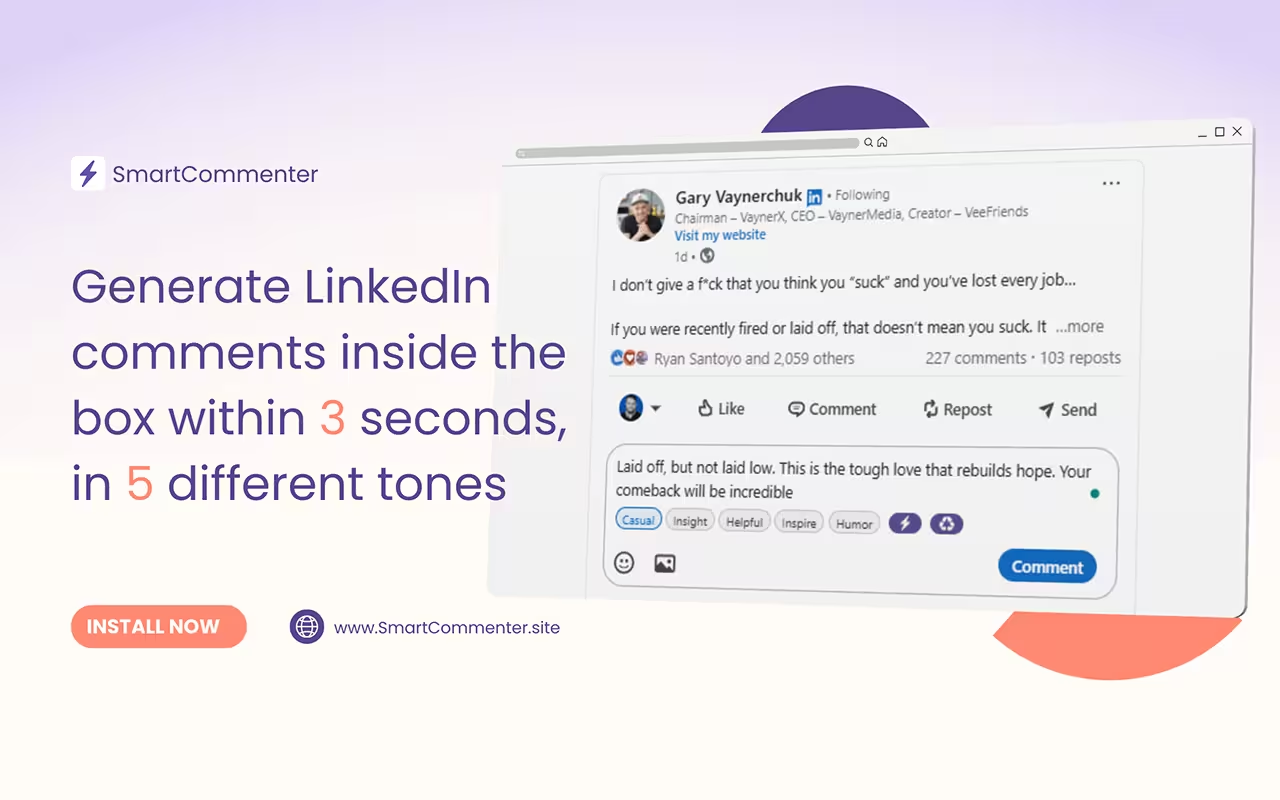
No extra tabs or copy paste. SmartCommenter appears right inside the LinkedIn comment box. You write comments where you already are, without breaking focus.

Comments are kept short and easy to read. Simple words. Clear sentences. No overthinking. The goal is to sound natural, not polished or scripted.

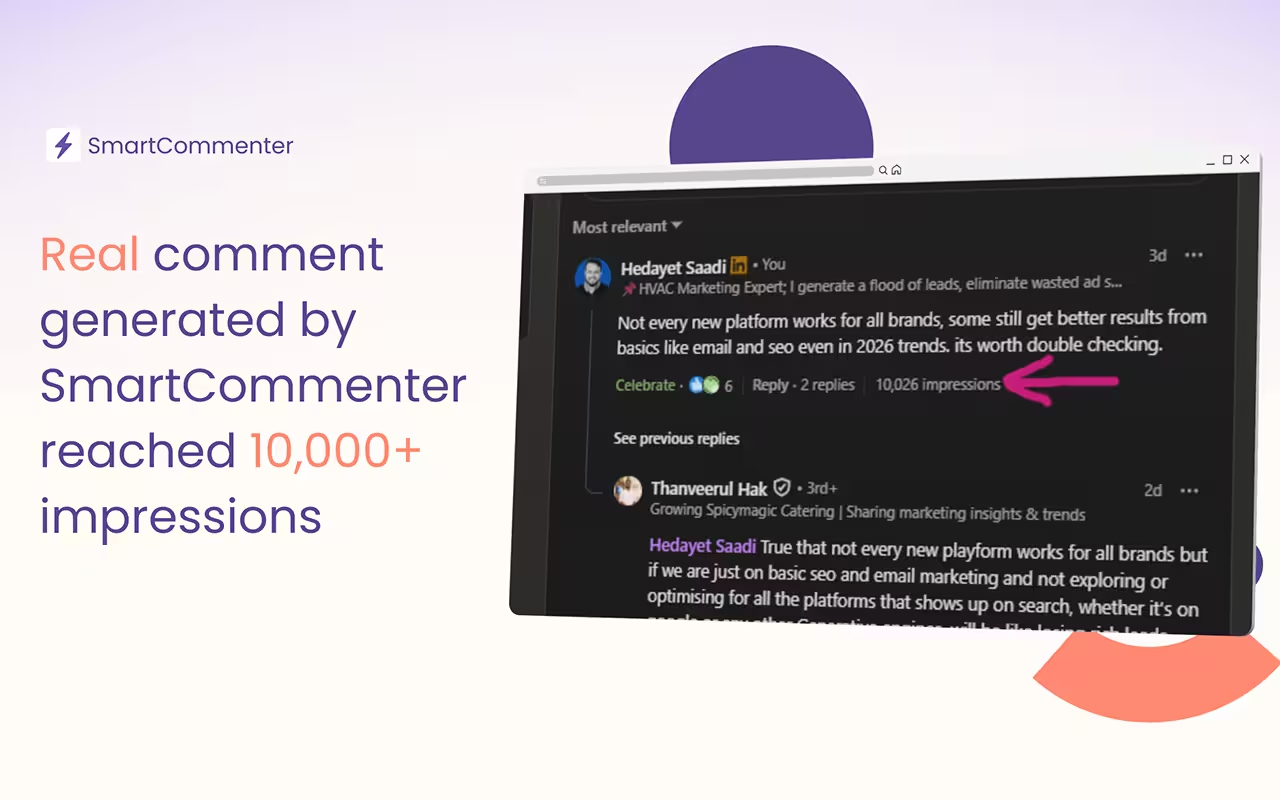
No buzzwords. No forced excitement. Comments feel like something a real person would write. Quiet, relevant replies that fit the conversation.

Auto-generate comments the moment you click inside a comment box. Respond in seconds.

Choose casual, insightful, helpful, inspiring, or humorous. The extension adapts the writing style instantly.

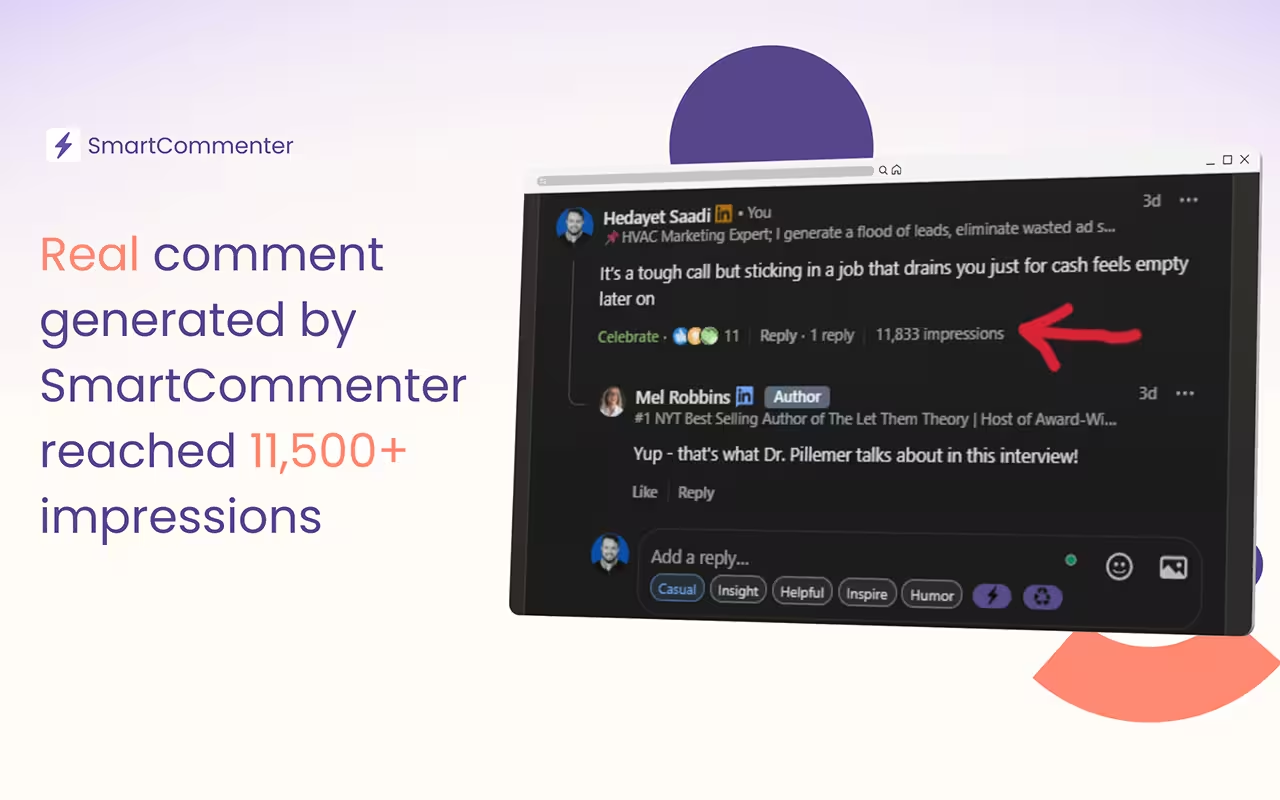
SmartCommenter understands parent comments and creates thoughtful, short replies.

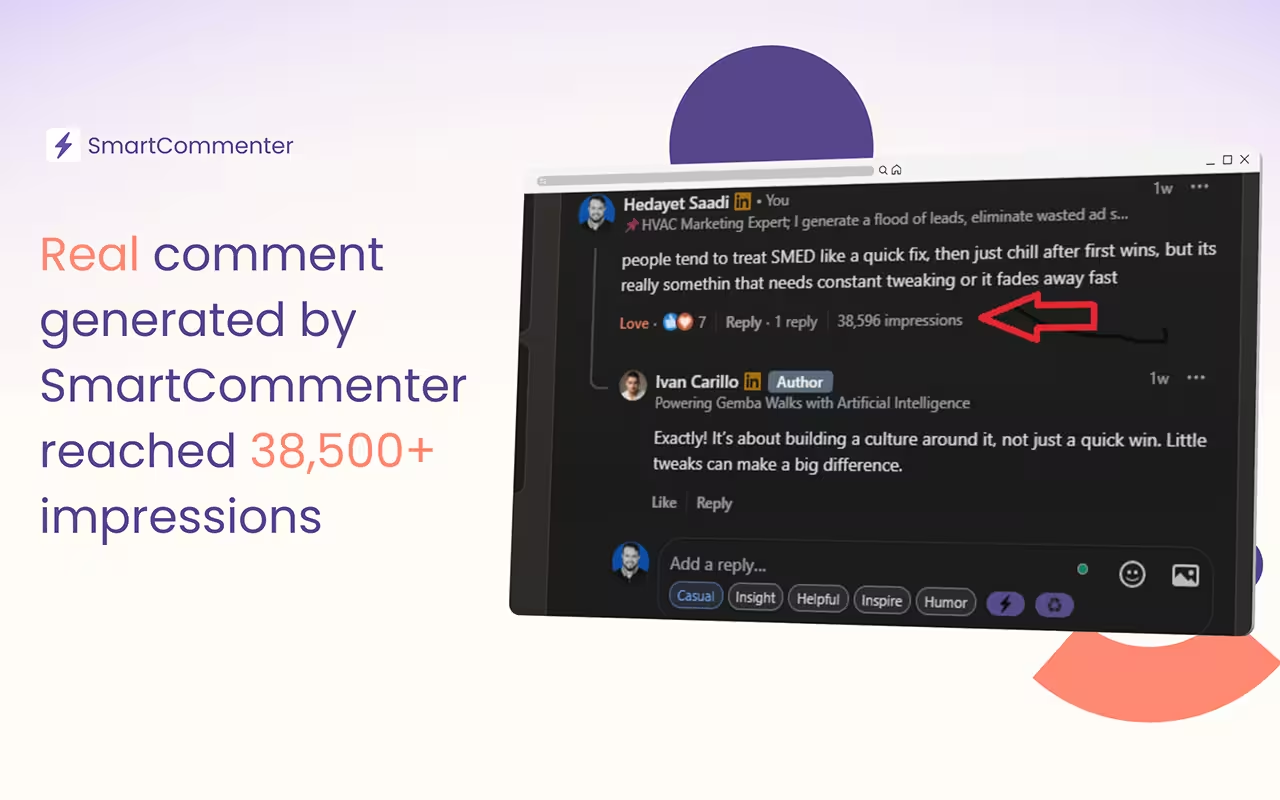
Comments include small typos or quirky misspellings so they feel personal, not AI polished.

Rewrite your own draft into a different tone with a single click.

Runs in the browser, no dashboard, no login. Just install and start writing.